REASONS TO BUY
Comfortable
Good audio qualities
Great value
REASONS TO AVOID
No detachable mic
Easy to accidentally change the volume

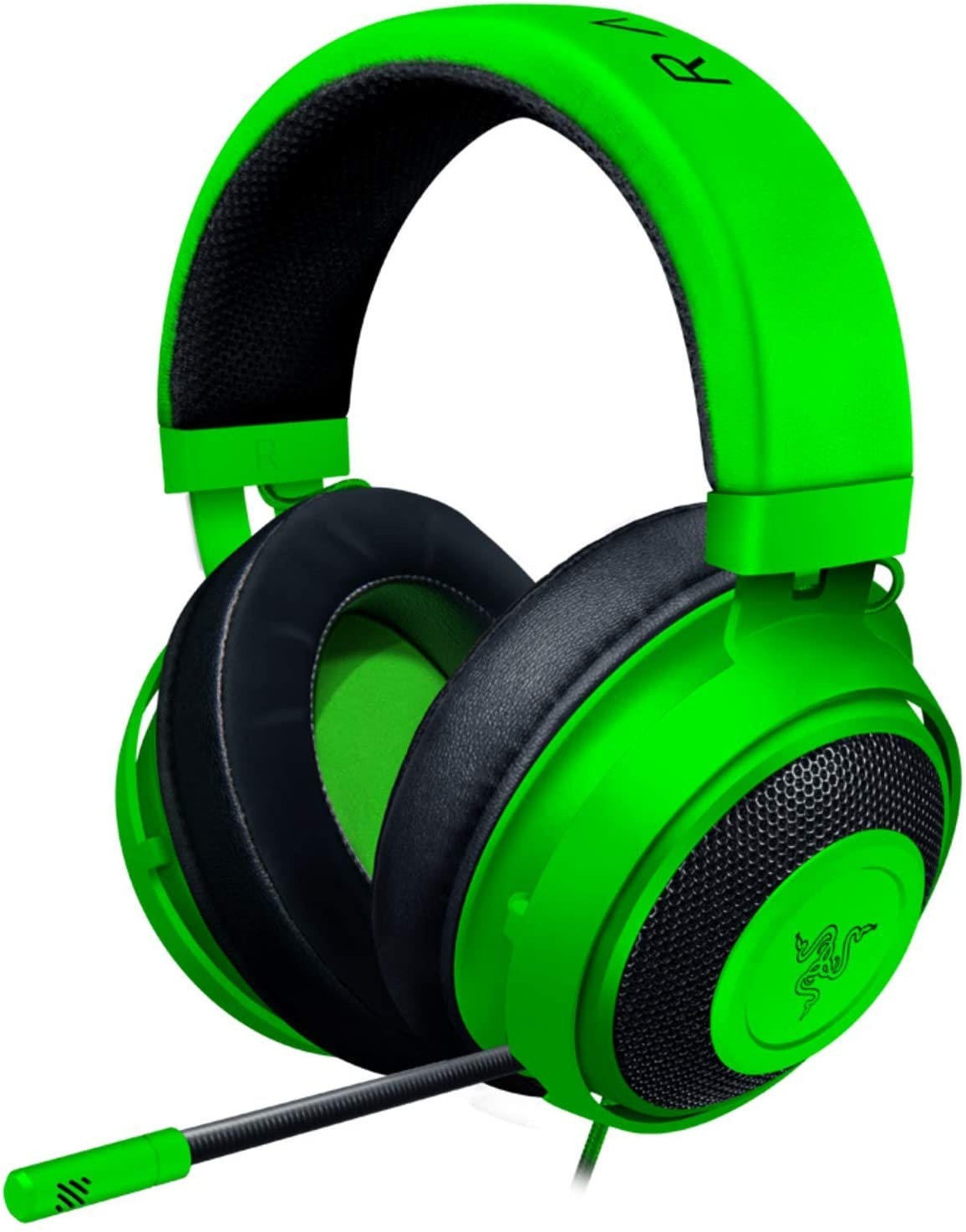

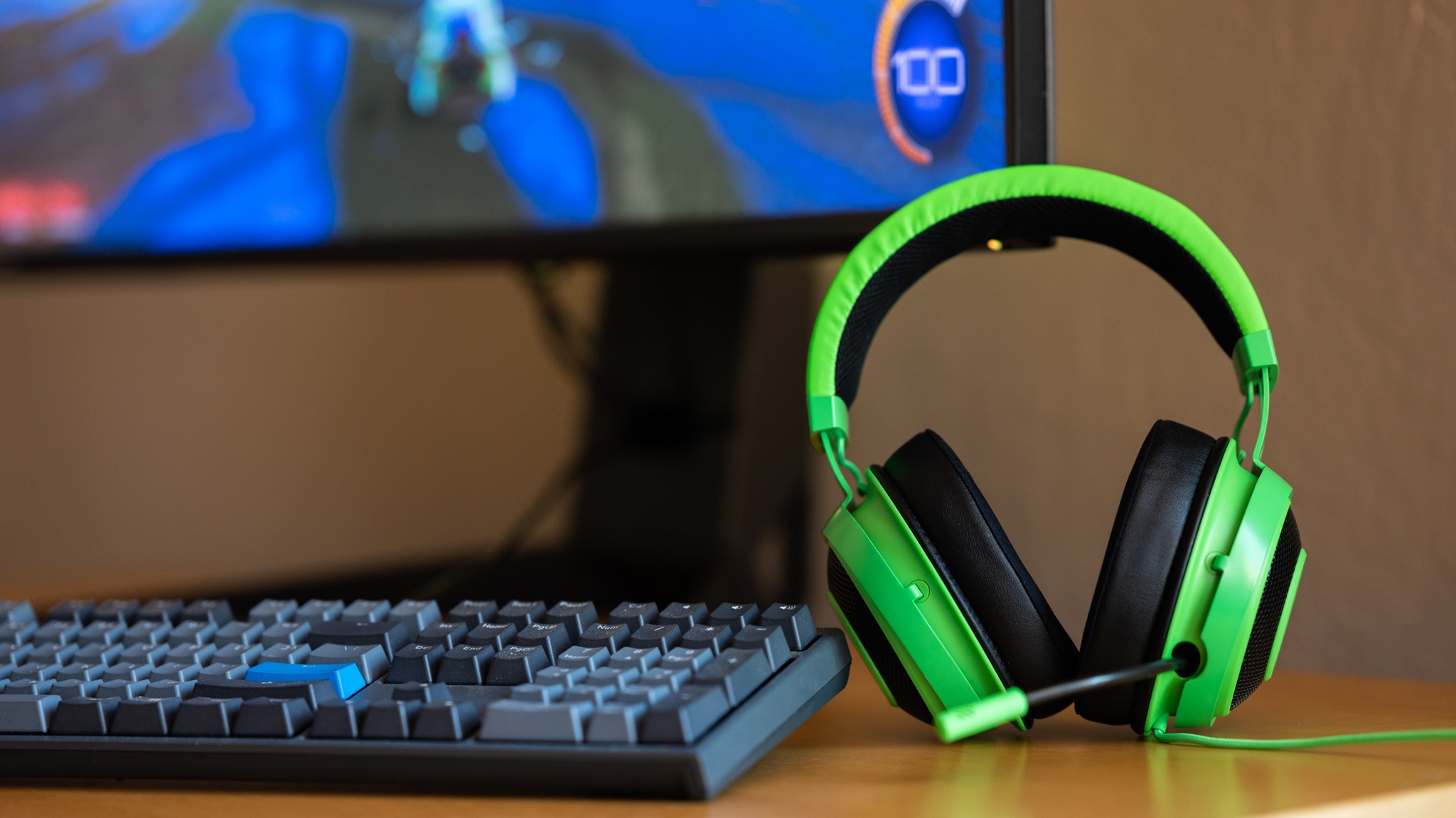
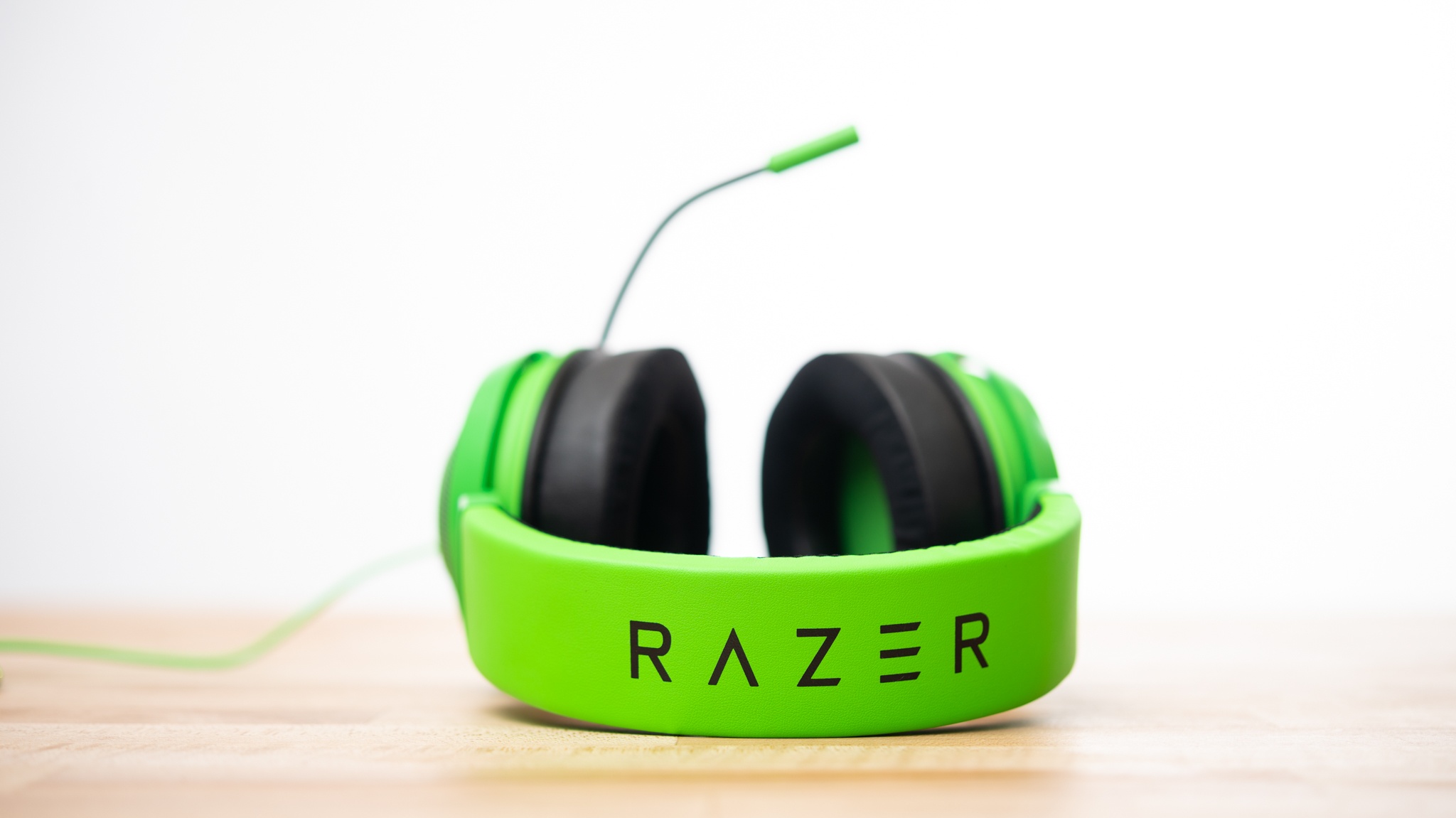
The Razer Kraken was quite comfortable, earning one of the better scores of the entire group. Our judges found this headset to be nice and comfortable, sitting well on most heads. It is a little on the larger side, so it might not sit super well if you have a dome on the smaller side.
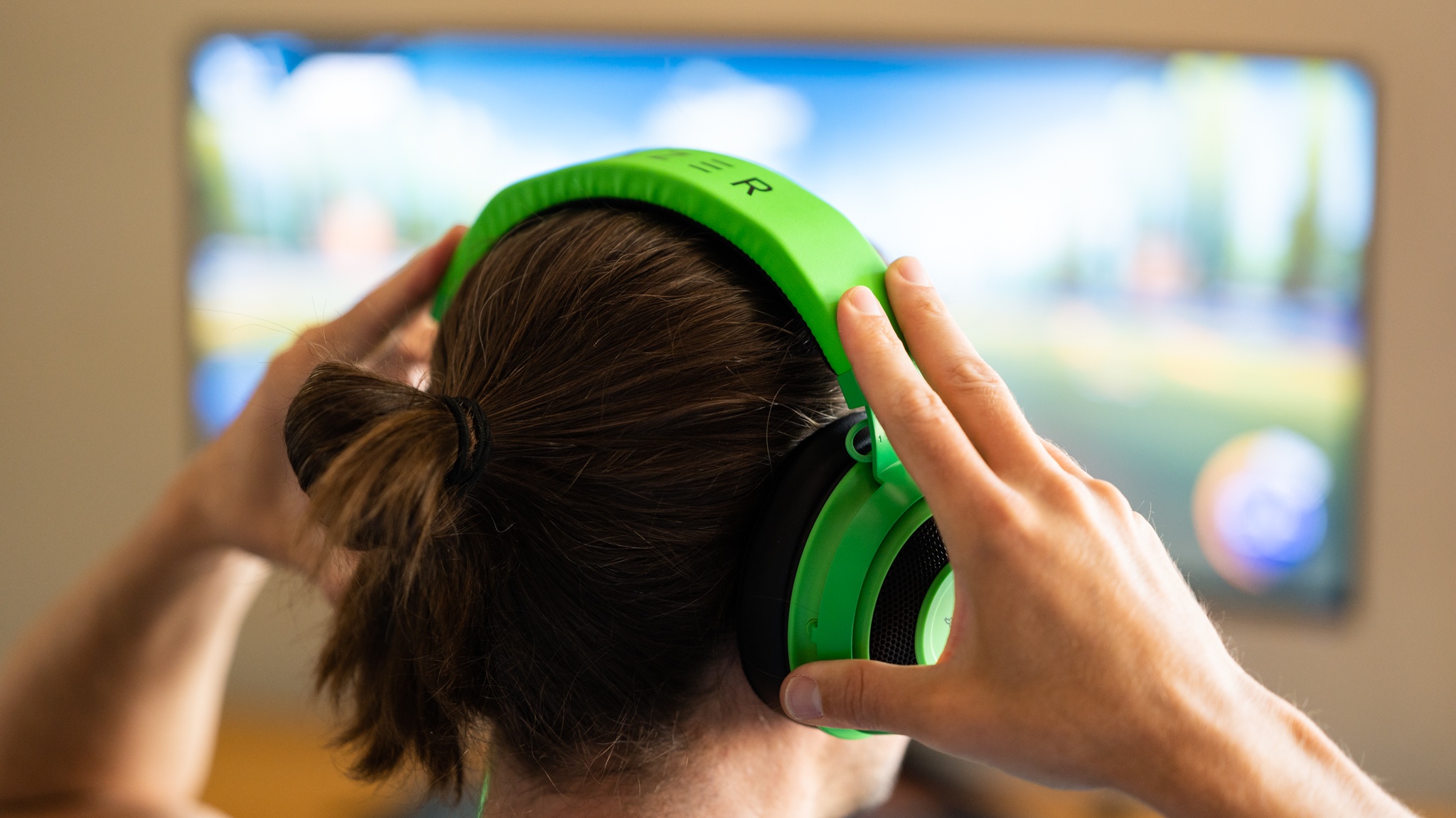
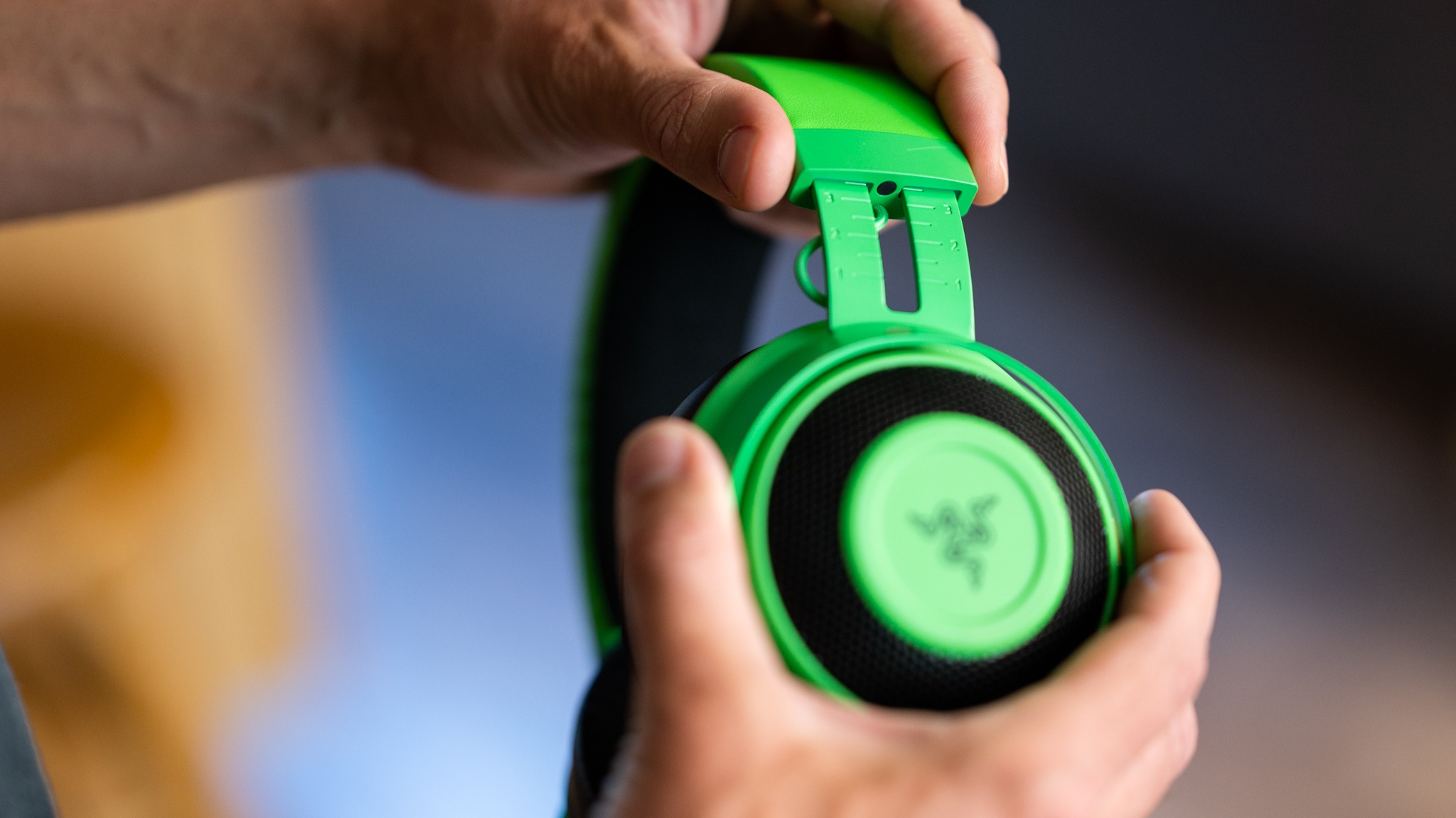
The headband is covered in mesh fabric and has a decent amount of padding. We like that it feels light on the head and it has more than enough for just about anyone's ears in its larger ear cups. Even better, this product uses “cooling gel” to keep your ears from getting too sweaty in warm weather.
This headset does fit a little on the looser side, so it might fall off if you lean over too abruptly.

Performance dropped a bit in this metric, but the Kraken still merited an impressive score.
Starting with in-game sound effects, we really liked how easy the Razer Kraken makes it to discern where sounds like a gunshot, footsteps, or vehicle engine noises are coming from. Our blindfolded judge could accurately identify the direction of the sound just about every time.

Voice comes across clear and sounds full, though it isn't quite as crisp as some of the best headsets we have seen but we never really had a problem understanding other players.
This headset has closed-back ear cups, so it will cut down on ambient noise a bit. However, loud background noises will still make it through. In addition to our practical testing, we also performed a series of side-by-side audio benchmarking tests to compare performance. This headset did quite well in the driver matching test and only showed small amounts of parasitic buzz in that evaluation. However, it did only do about average in the binaural benchmark test.
When we played music with this model, it did pretty well in rendering orchestral soundtracks typically found in games, but we did find that voice and the higher tones can sometimes get overshadowed by the amplified bass.

Other players did notice that there was a bit of feedback present when we used the mic on the Razer Kraken. They also noted that our voice didn't sound quite as clear or realistic as you would expect with a premium model, but never complained that we couldn't be understood.

The microphone doesn't usually pick up the sounds of you typing or snacking, but we weren't fans of the fact that there was an audible tone for other players whenever we muted the mic. It definitely can get irritating for other players if you are frequently muting/unmuting the mic.
The microphone would usually pick up a side conversation if they were happening close by — within 10' or so — but would filter anything out if the speakers were further away.
The Razer Kraken again did well, scoring just above average. It has inline controls for adjusting the volume and muting the mic, but we did notice that it is easy to accidentally bump the switch and change the volume.
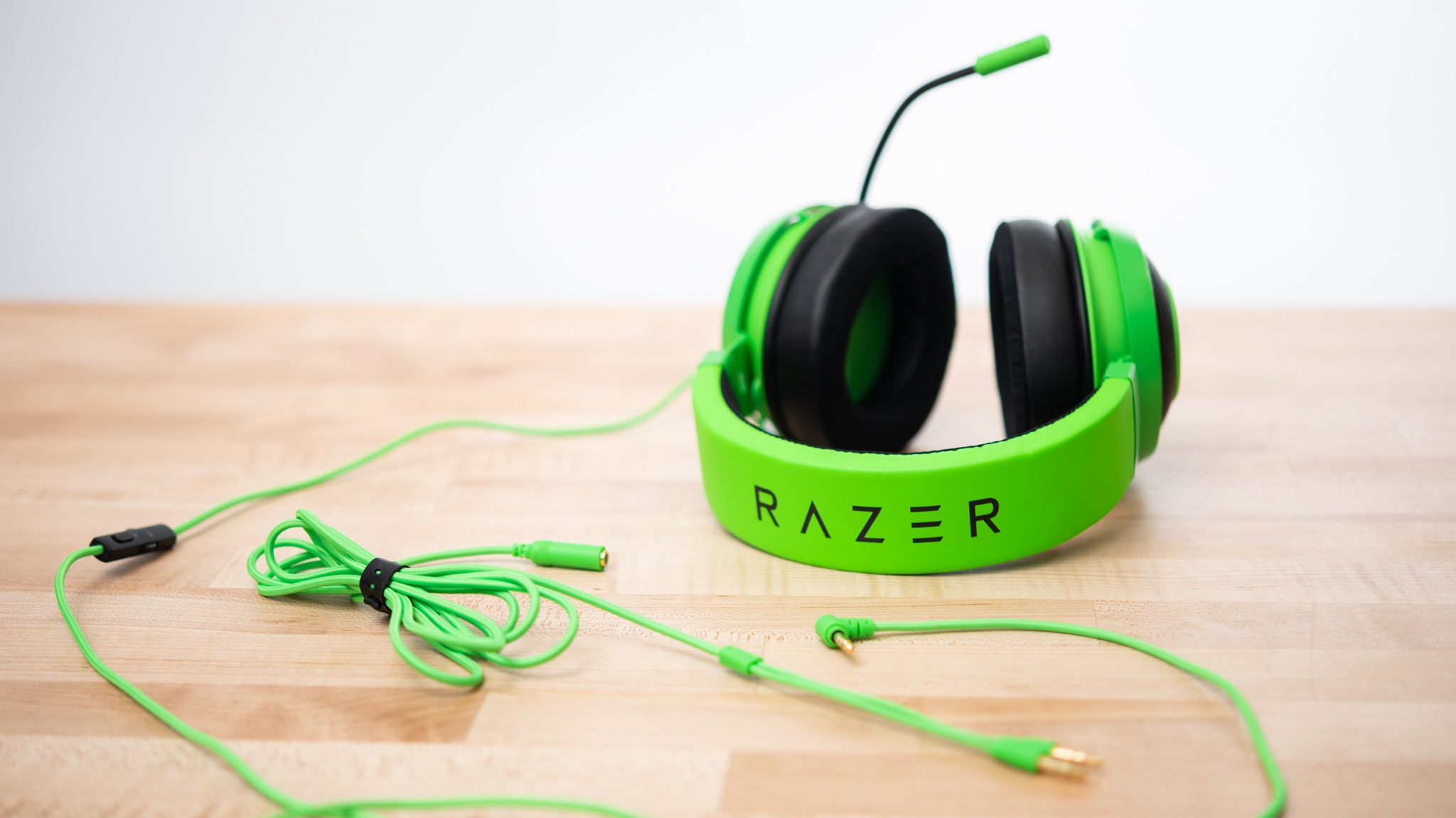
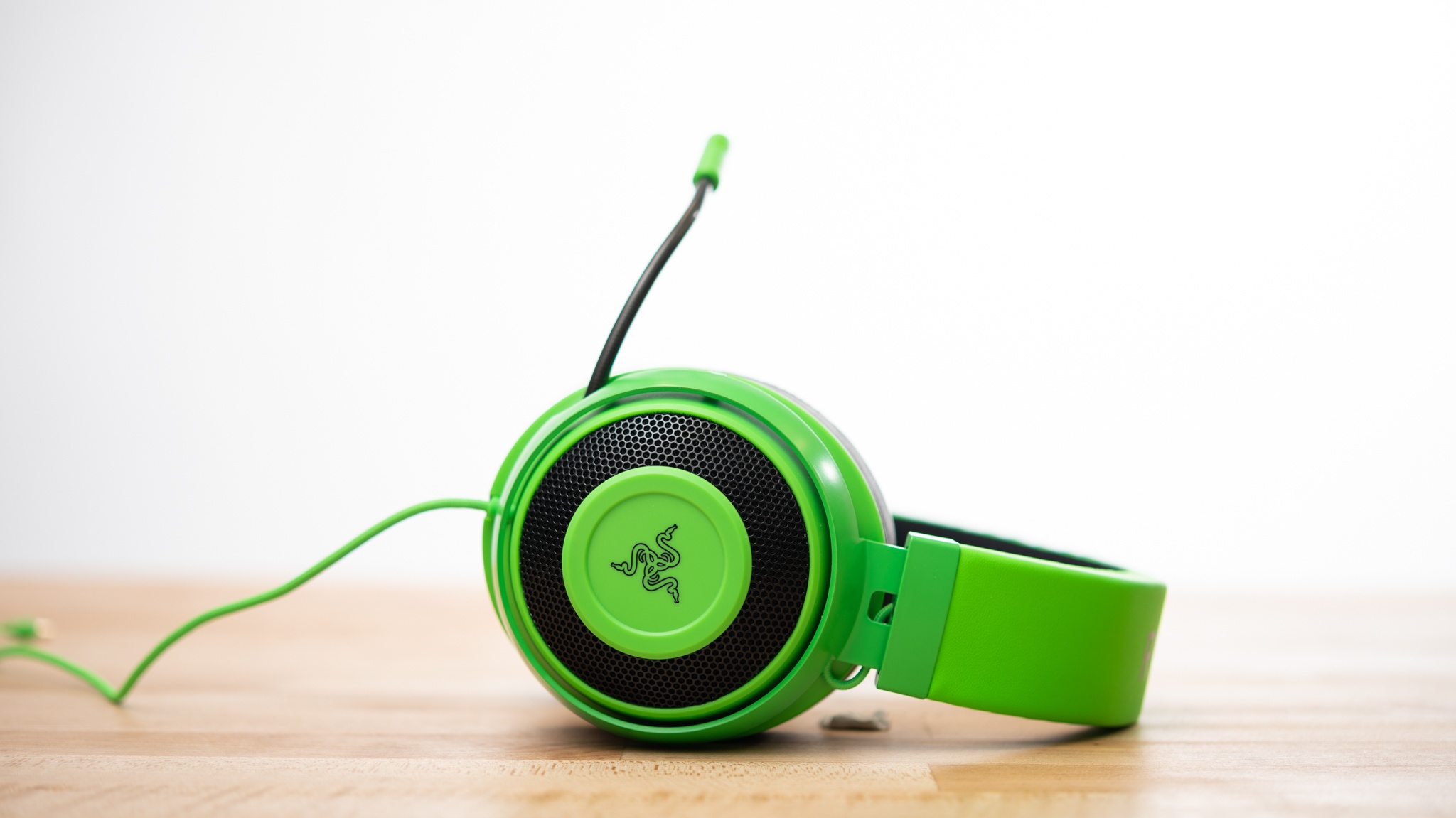
Its cord is a little longer than average — 11.1' — and is not fully detachable. It splits in two so it can be shorter but there is always some amount of cable connected to the headset. The microphone is not detachable, but it can be retracted into the headset. You can also enable a mic sidetone.
We think this headset is a great value, offering good — not great — performance across just about all of our tests and costs a bit less than many of its competitors.